About Planning
Overview
There are innumerable variables involved in Budgeting & Planning and creating various iterations of a budget to adjust to the fluctuations in assumptions or data can be tedious and a time consuming process. The Umbria 2019 version address these issues and now offers an integrated solution that allows you to manage the entire Planning in a single dashboard. The new Planning page helps you build a flexible workflow that optimizes the accuracy of tasks such as calculations, allocations, phasing, and allows you to evaluate potential options to manage a budget. This in turn allows the top management to improve the efficiency and agility of budgeting.
Feature Highlights
-
Reduces the complexity of using multiple wizards and allows you to manage complete budget planning on one page, including adding nested level phases, allocating resources to the phases, adding phase adjustments, or managing rate and cost increases.
- Offers four budget control modes: Top Down(by Amount), Top Down (By Percentage), and Top Down Mixed (both by Amount and Percentage) budgeting lets you plan based upon prior experience, allocate that amount to the phases, and then further allocate it to firm-wide level down to the individual fee earners or use the Bottom Up approach where the departments can create a total for the phases and then present it to the top management for approval. See Planning for more details.
- You can add multiple fee arrangement as phases and add consecutive phases to the arrangement at a granular level (phase level, sub-phase, and n-level phases) and add detailed level resource drill down at each level.
- Allows you the flexibility to add unstructured phases (with free text), structured phases (with phase code), add expenses as a phase, allocate a phase at region level, country level, office level, department level or both and also add phases from a template.
- Add rate overrides, adjustments, discounts, and rate increases.
- Allows you to plan and lock a budget at an opportunity level without assigning resources and derive the hours based on the average rate. Once an opportunity is finalized you can then add resources within the phases without changing the phase amount.
- Quickly create a pricing model without adding task codes, phase code or rate cards.
-
You can create multiple duplicate copies of the pricing model.
- Save the created pricing model as a template and re-use and apply the template for planning.
- Select and manage the KPI's to be displayed on the page thereby eliminating the complexity to edit the dashboard XML.
-
The What-If Analysis section allows you to analyze the impact of discounts or different fee types on the pricing arrangement. You can add muliple versions of the What-if Analysis to review all of the potential outcomes of different scenarios.
How do we Simplify Planning?
Umbria's flexible and easy to use planning dashboard optimizes both efficiency and effectiveness of the budgeting process. The complete planning and budgeting process can be managed in a single dashboard without switching between wizards or multiple dashboard pages. The examples below present some of the common budgeting scenarios that can be easily created and managed in the Planning dashboard.
Examples
- Create a simple Monitor only budget
- Add a Fee Arrangement and enter the amount to be Monitored

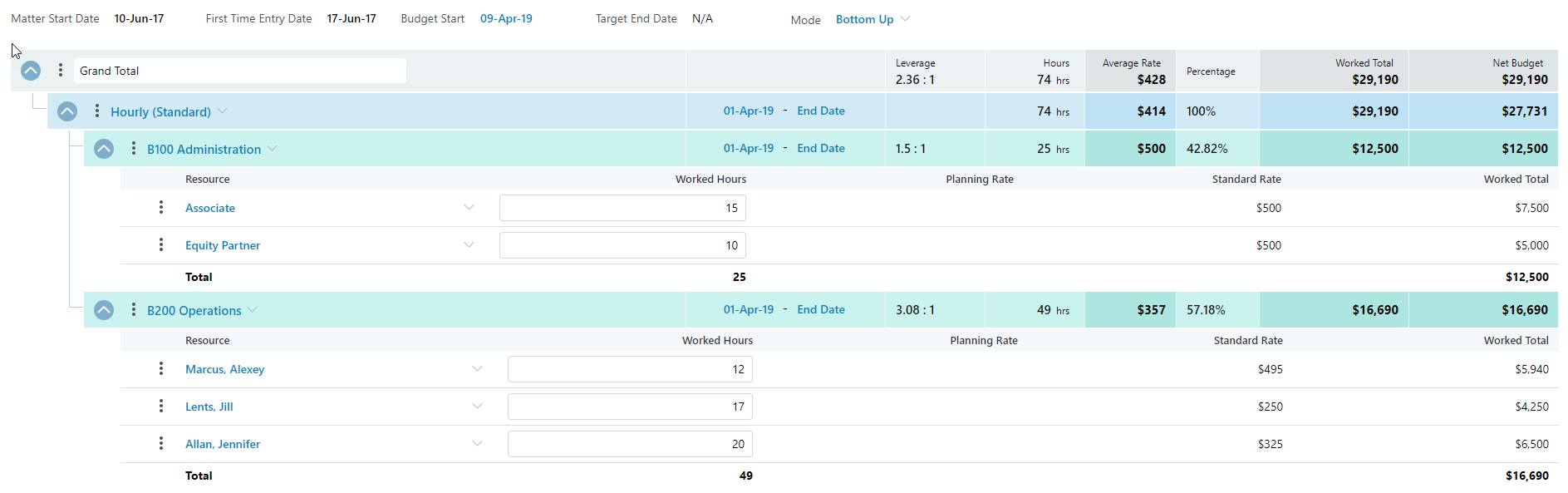
- Create an Hourly Budget
- Add a Fee Arrangement and assign personnel and target hours under the arrangement

- Create a simple phase with discounts
Add a fee arrangement, apply the disocunt and add phases and enter a target amount within each phase.
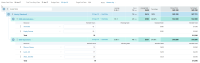
- Create a budget with the first phase free and and hourly fee arrangement for the second and third phase

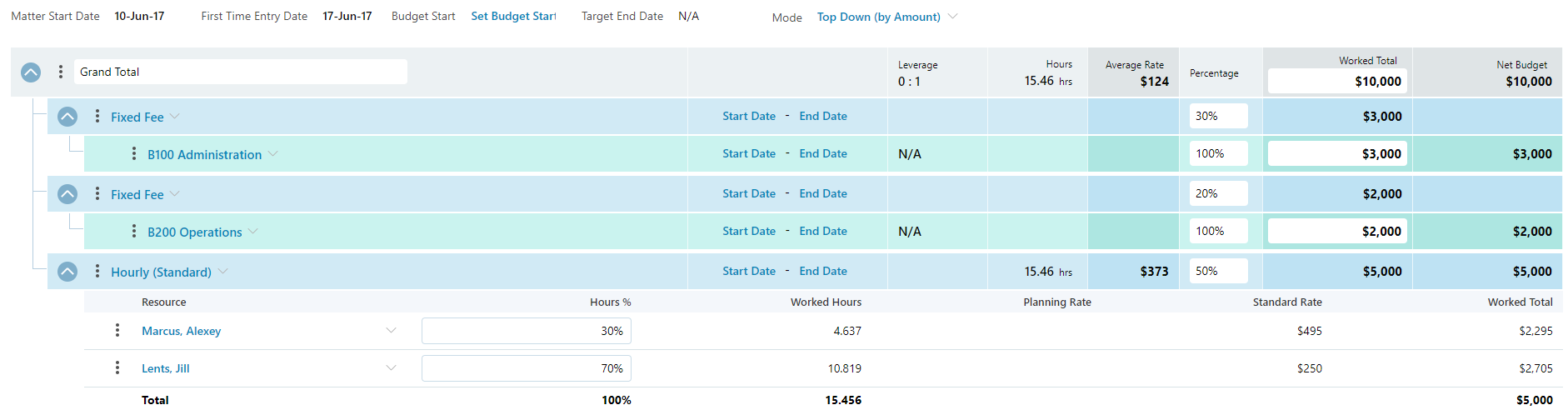
- Create Mixed Fee Budget (Add a phase with Fixed Fees, second phase with Fixed Fees and third phase with Hourly Fees)
- Add a first phase with fixed fee arrangement and similarly add different fee arrangements for subsequent phases
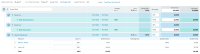
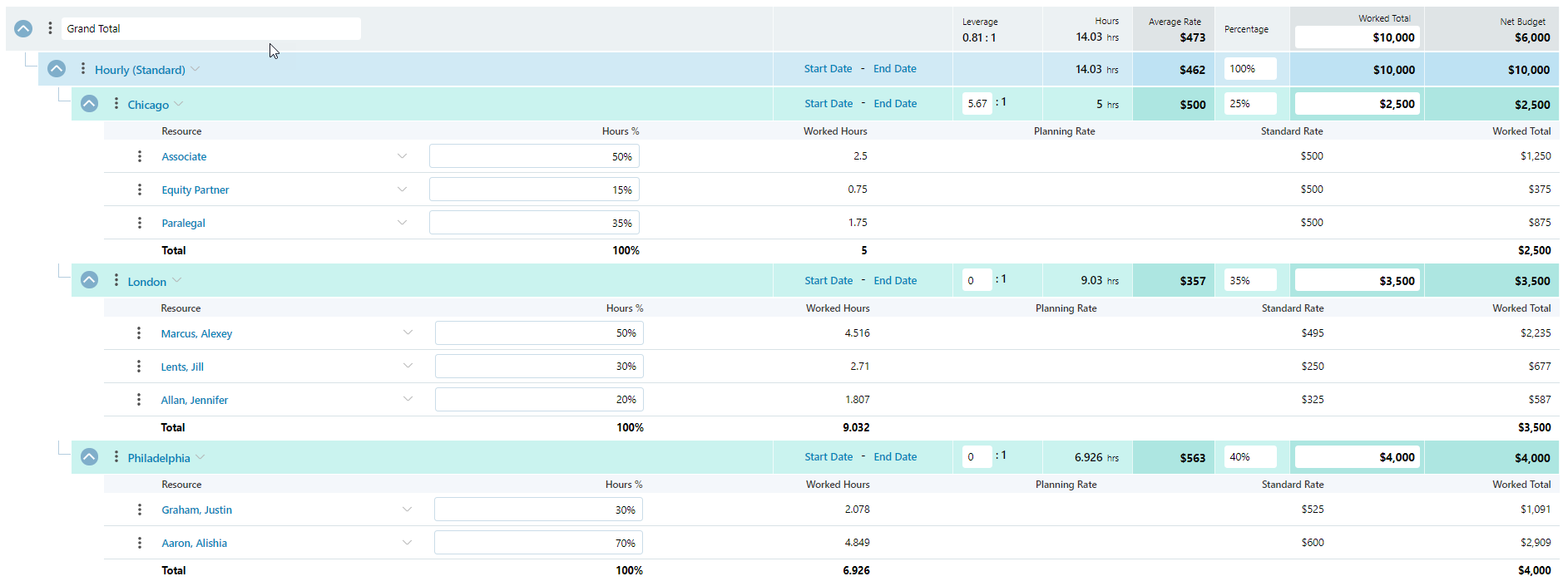
- Create a Complex Mixed Fee Budget (add multiple fee arrangements and allocate it to an Office and futher create an expense budget per office)
- Add a fee arrangement, allocate a phase for the office and add an expense phase within each office phase
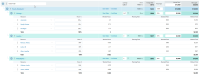
- Create Mixed Fixed Fees Budget (add multiple fee arrangements and add an expense budget per phase)
- Add a fee arrangement and add an inline expense phase





To learn more on the Budgeting and Planning pages, visit Budgeting, Monitoring and Notifications, or Progress pages.
